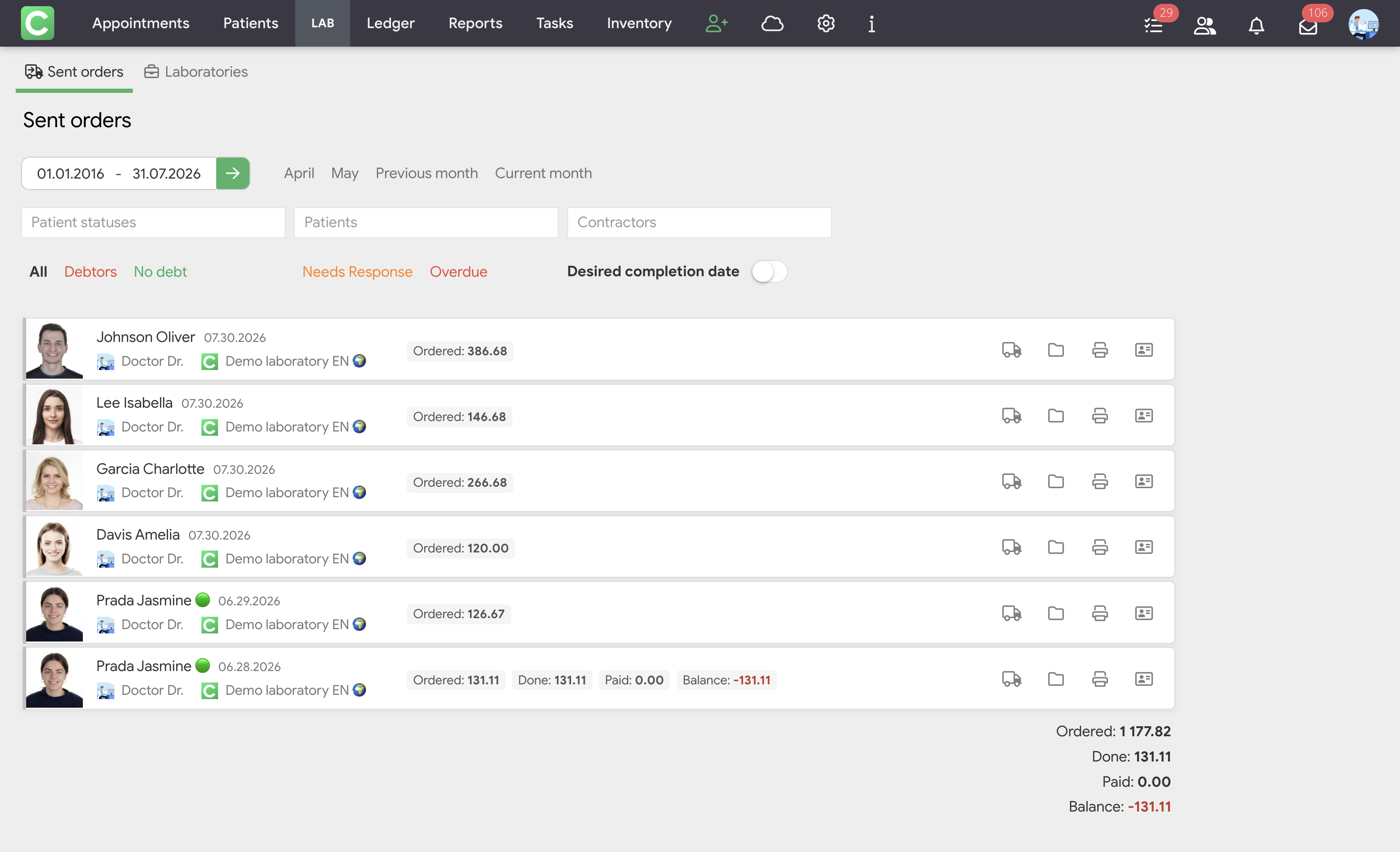
When a clinic owner enables Laboratory access for a specialist, a separate Orders module (or LAB on smaller screens) appears in the clinic’s top panel. This is a workspace for managing relationships with partner dental laboratories.
The module contains two sections:
Sent orders
The Sent orders section is the main workspace for managing orders sent to laboratories. It displays a complete list of orders with all information regarding their status, financial details, and deadlines.
The section includes the following filters:
Each order’s feed contains the following information:
What specialists see:
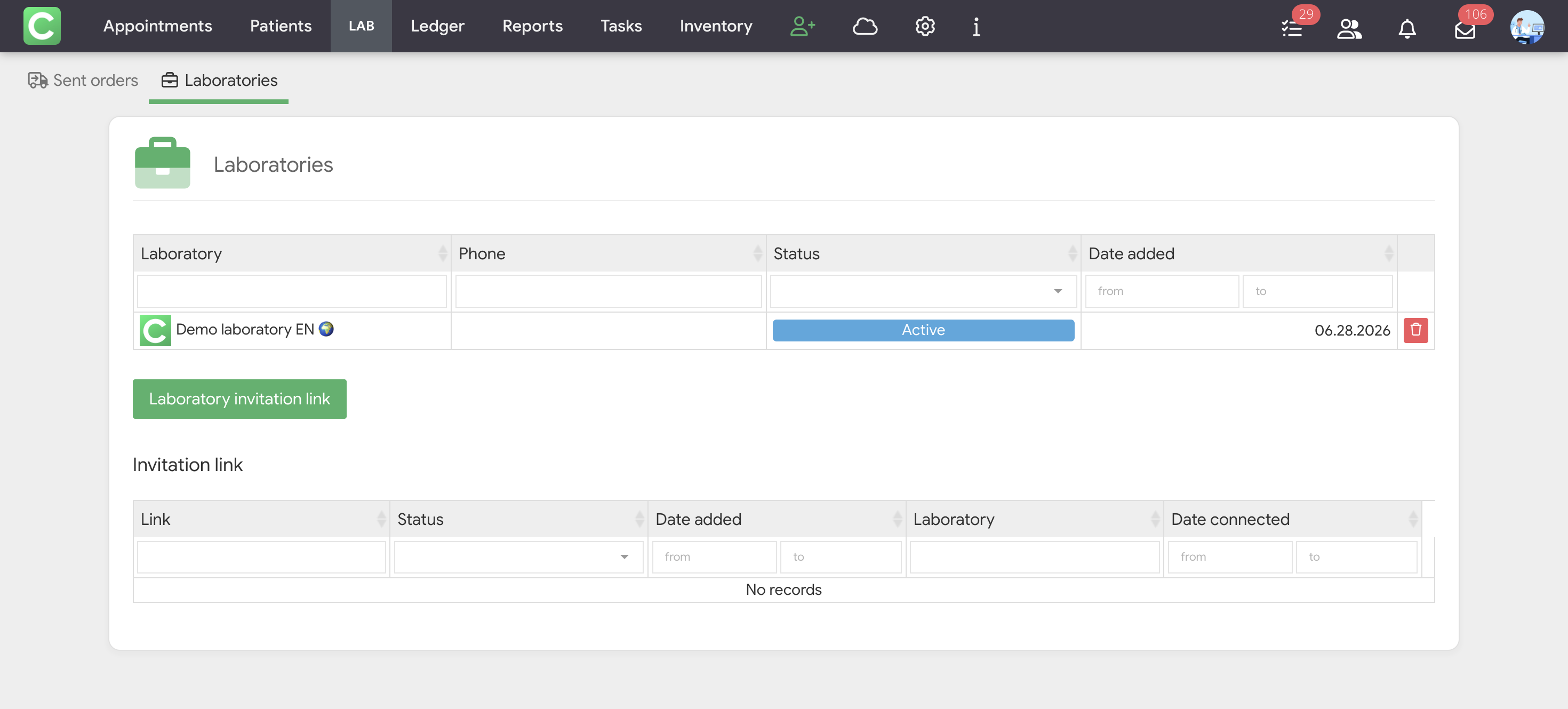
Laboratories
The Laboratories section lists the dental laboratories with which the clinic collaborates. Accessible only to specialists with the Contractors management permission.
The table displays:
At the bottom of the table is the Laboratory invitation link button and the Invitation link table, which stores the history of all created links: the link itself, status (Active / Used), date added, the laboratory that used the link, and the date of connection.