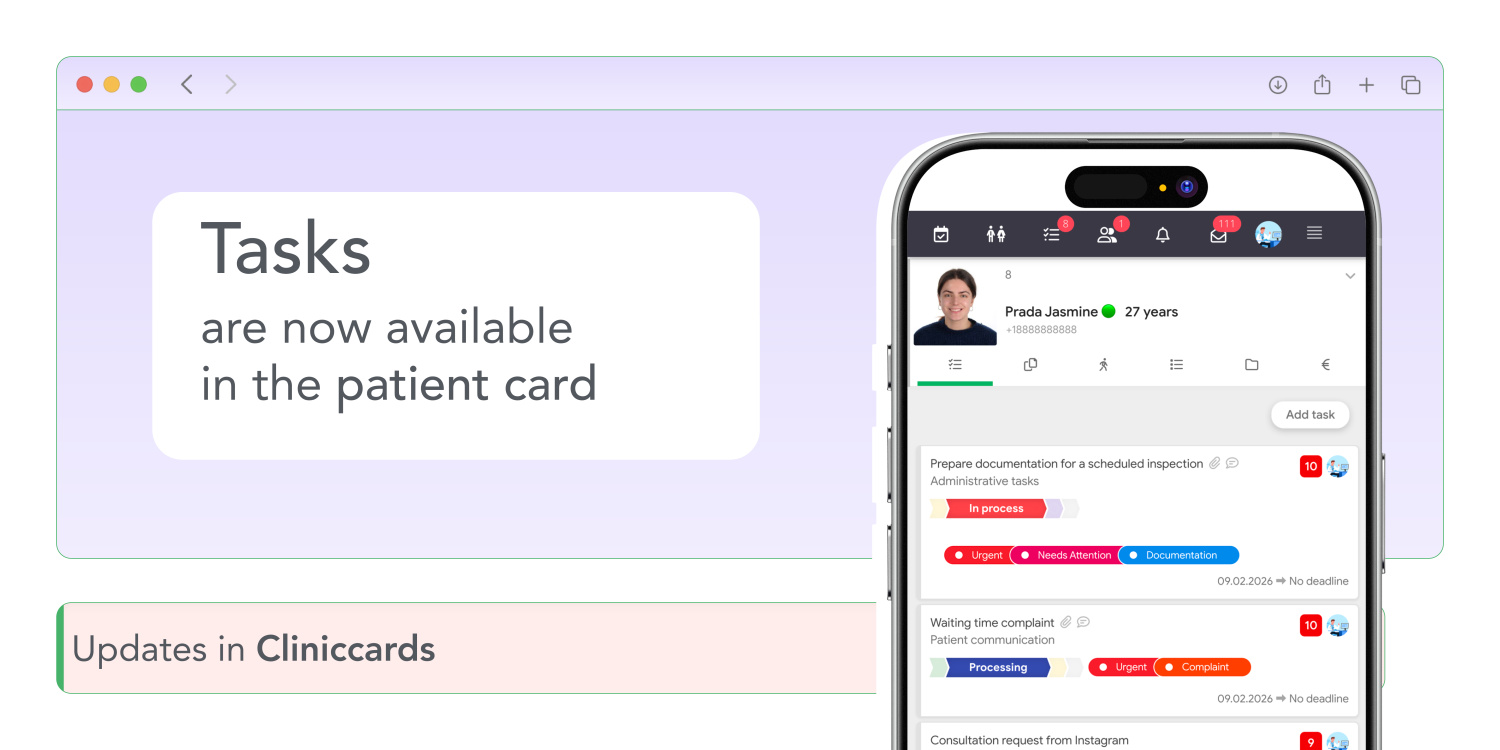
Working with tasks in Cliniccards has become even more convenient. Now all tasks related to a patient can be viewed directly in that patient’s card.
There is no longer any need to switch between sections to understand what is currently in progress for a specific patient.
How it works
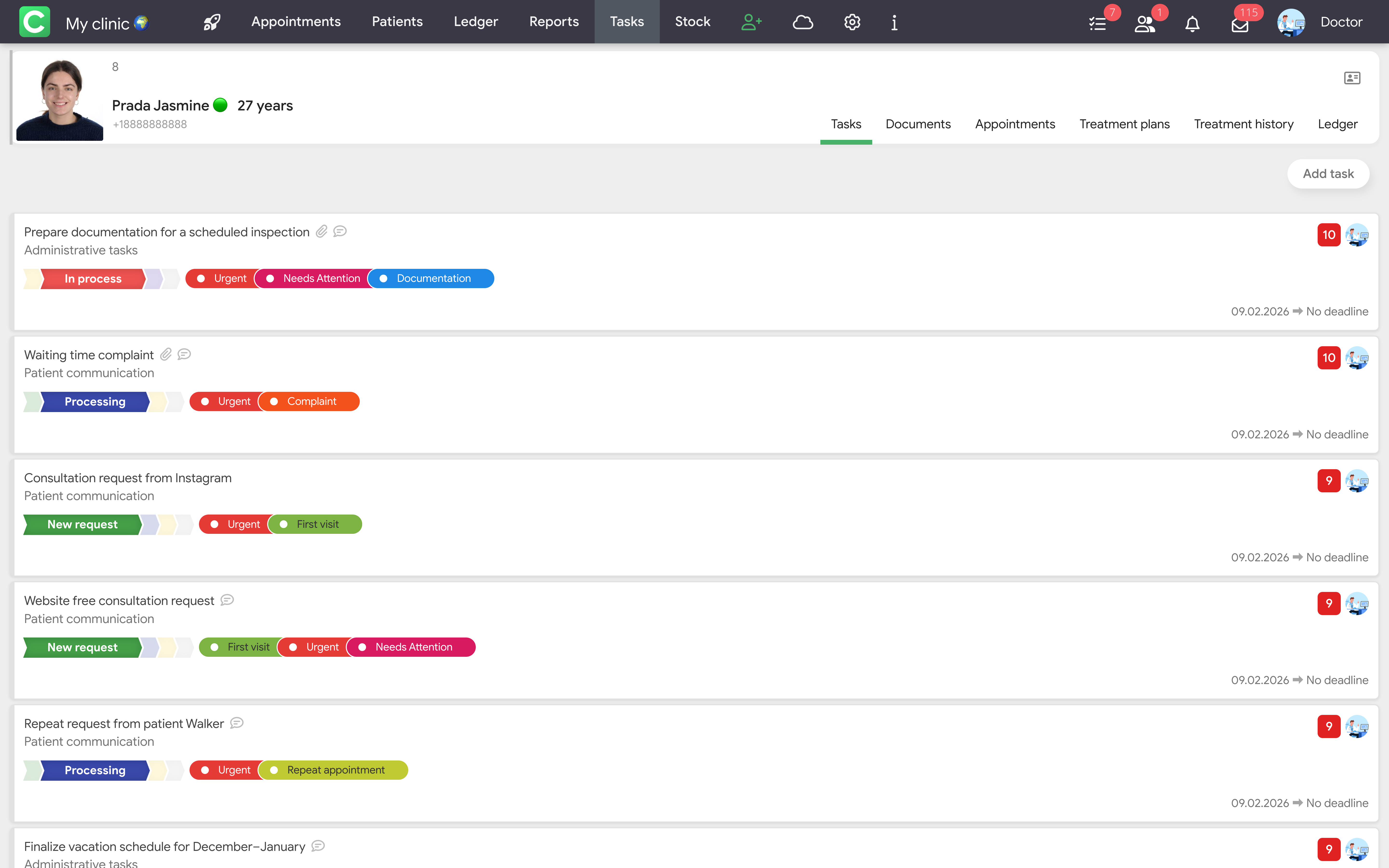
A new Tasks section has been added to the patient card. To make it available, the clinic owner or a specialist with the appropriate permissions needs to go to Tasks → Settings → Access rights and add you to the team with the Access to tasks permission enabled.
In the Tasks section of the patient card, you can view tasks with:
Important details
All patient-related work is now gathered in one place. You get quick access to tasks without switching between modules and a clearer view of the current status of work for each patient.
If you have any questions about the Tasks module and its settings, please visit the Tasks Manual section.
The update is already available in Cliniccards!