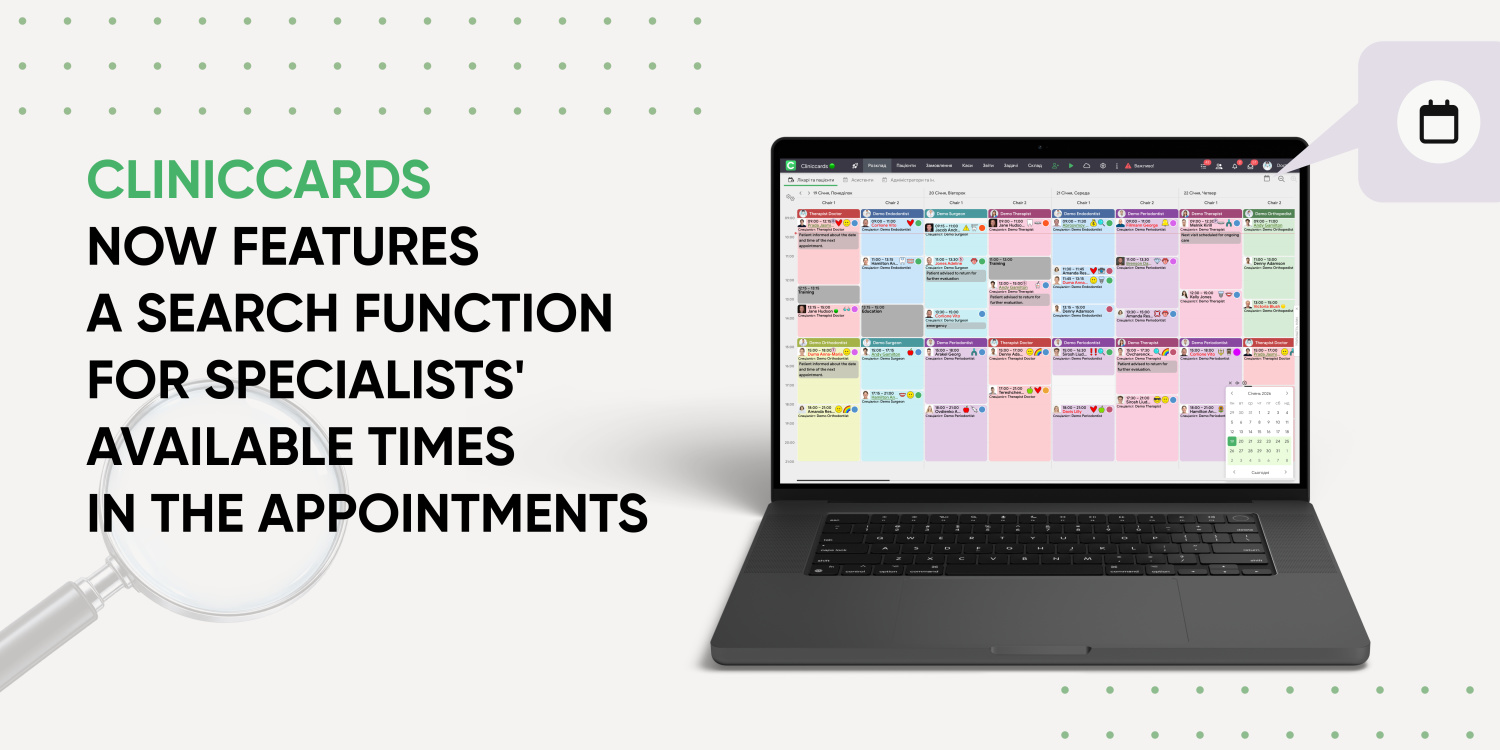
Finding a doctor’s available time in the schedule is now easier.
Cliniccards now features Search for specialists’ free hours. The feature allows you to quickly find available times for booking a patient based on selected parameters, without manually checking the schedule several days ahead.
To use the search, first enable it in:
Settings → Appointments → Settings → Search for specialists’ free hours.
Once enabled, a button for searching available time will appear at the top of the schedule.
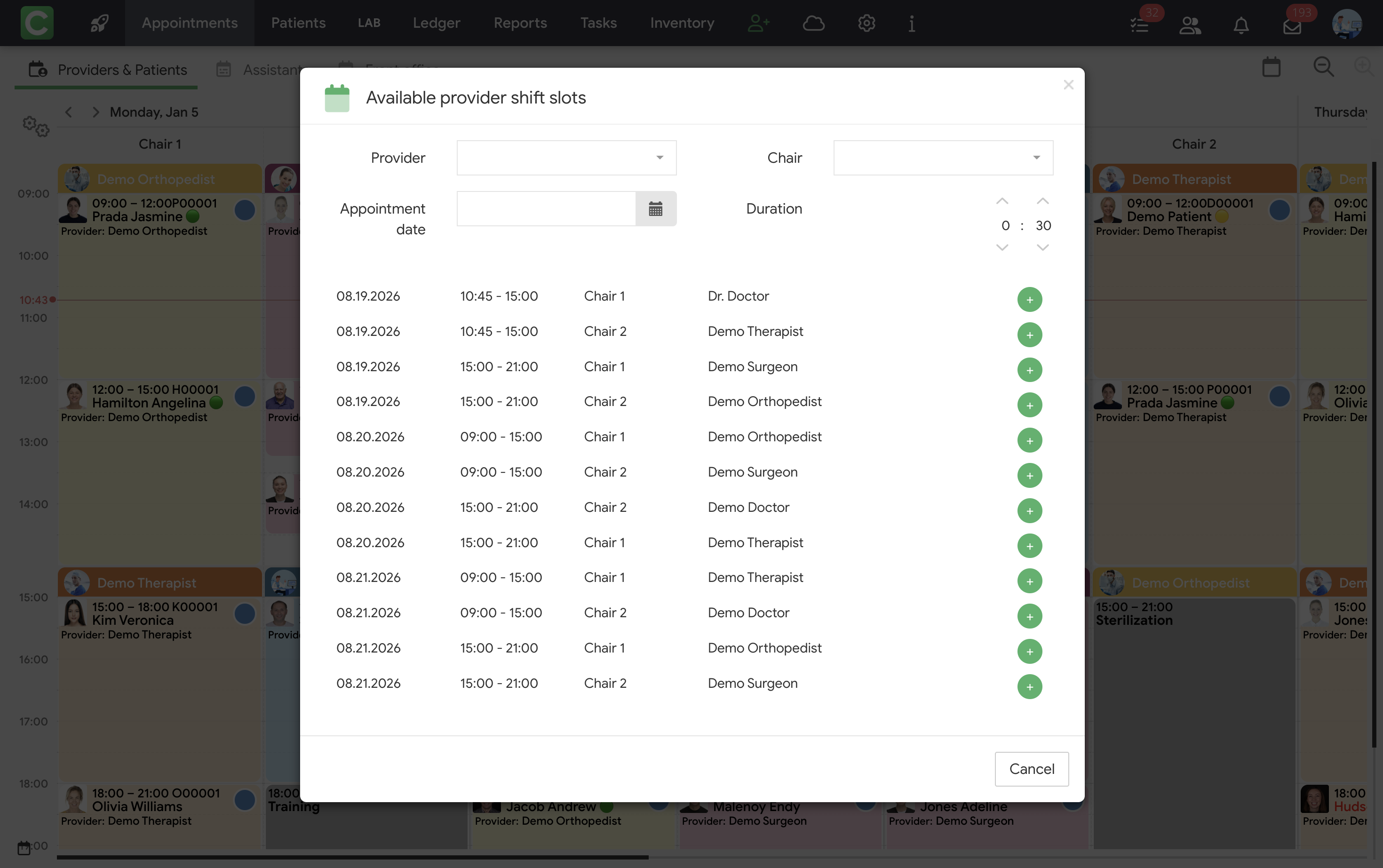
In the search window, you can specify:
Cliniccards will show available time slots that match the selected parameters. This means administrators no longer need to review a doctor’s schedule manually: simply set the required conditions and choose a suitable available time.
Try the update in your workflow today!