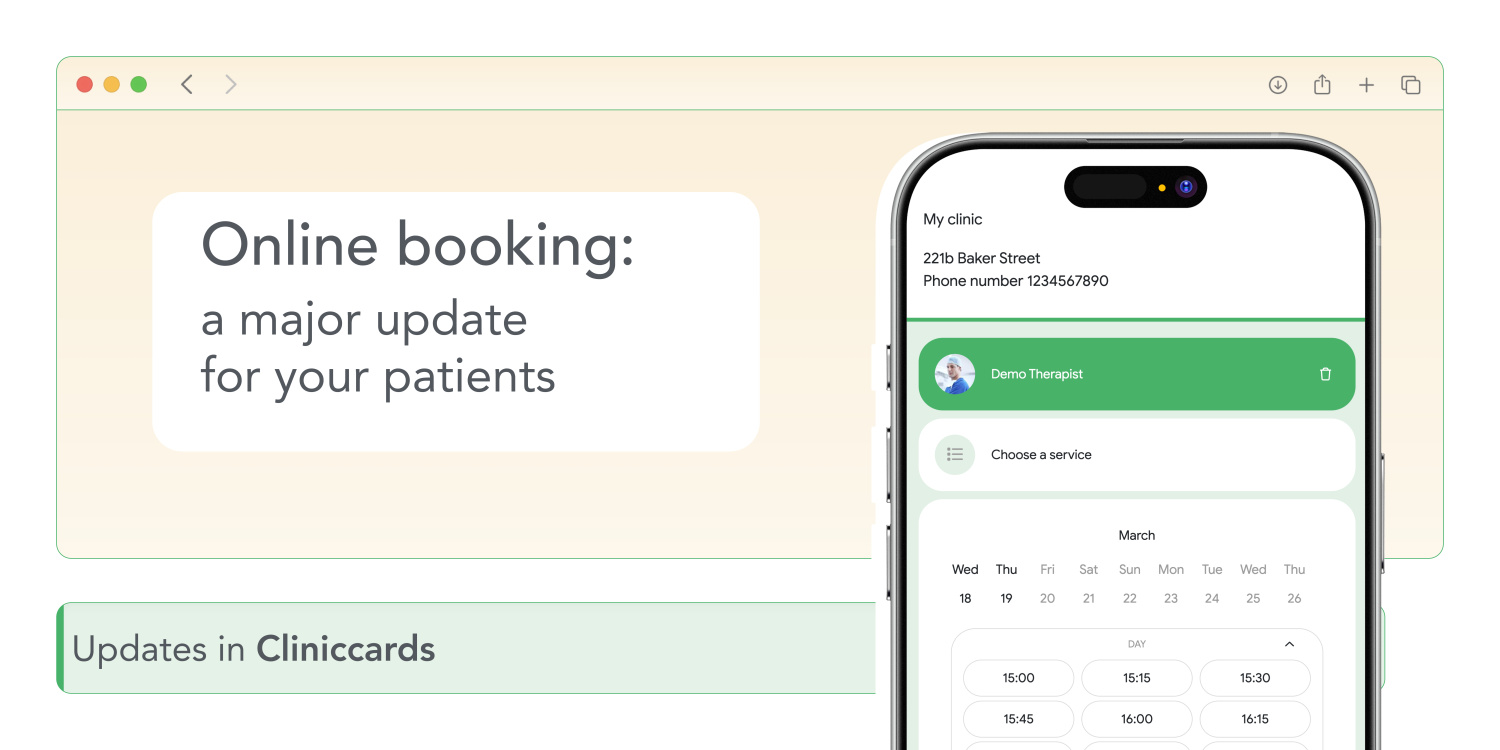
Online appointments are the first point of contact between patients and your clinic. They allow your patients to independently choose the date, time, specialist, and procedures at your clinic. Based on this information, the schedule in Cliniccards is generated automatically.
But we didn’t stop there — we decided to make it even more convenient. Now the booking system works faster, more intuitively, and with more useful details. For patients—fewer clicks and more transparency. For you—more appointments booked and fewer follow-up questions. Here’s what’s changed.
1. Prices and duration — right on the screen
Now patients can see how much a service costs and how long it will take. And this is shown separately for each doctor — if someone works faster or longer, it’s reflected.
Selected multiple services? The system will show the total estimated duration of the visit and the total cost for all services. No surprises.
2. Filters work in any order
Previously, patients had to first select a doctor, then the procedure, and only then the time. Now patients can start with anything: procedure → doctor → time, or doctor → time → procedure. Whatever is most convenient.
And if the selected procedure is unique to a specific doctor, the system automatically filters by that doctor, even if the doctor hasn’t been selected yet. The same applies to other filters.
3. Patient can select multiple services at once
Hygiene + consultation? Treatment + X-ray? Now the patient can select all of this in a single appointment. No need to go back and add services separately.
4. The tag is displayed on the final screen
If you have multiple tags, the patient will see on the summary page exactly where they’ve booked an appointment. Less confusion, fewer calls for clarification.
5. Waiting list
No available slots? No doctor available? Now the patient can join the waiting list—and you can contact them when a spot opens up in the schedule.
6. Doctor avatars
Photos of specialists in Cliniccards are automatically displayed on the booking page. Patients have a better idea of who they’re booking with, especially if they’ve seen the doctor before.
7. A different color instead of the standard green
You can replace the standard green with one of the other colors in the suggested palette. Online booking will look like part of your brand.
Now online booking in Cliniccards is even more efficient: fast, clear, and without unnecessary questions. Patients get convenience, and you get more appointments and less paperwork.