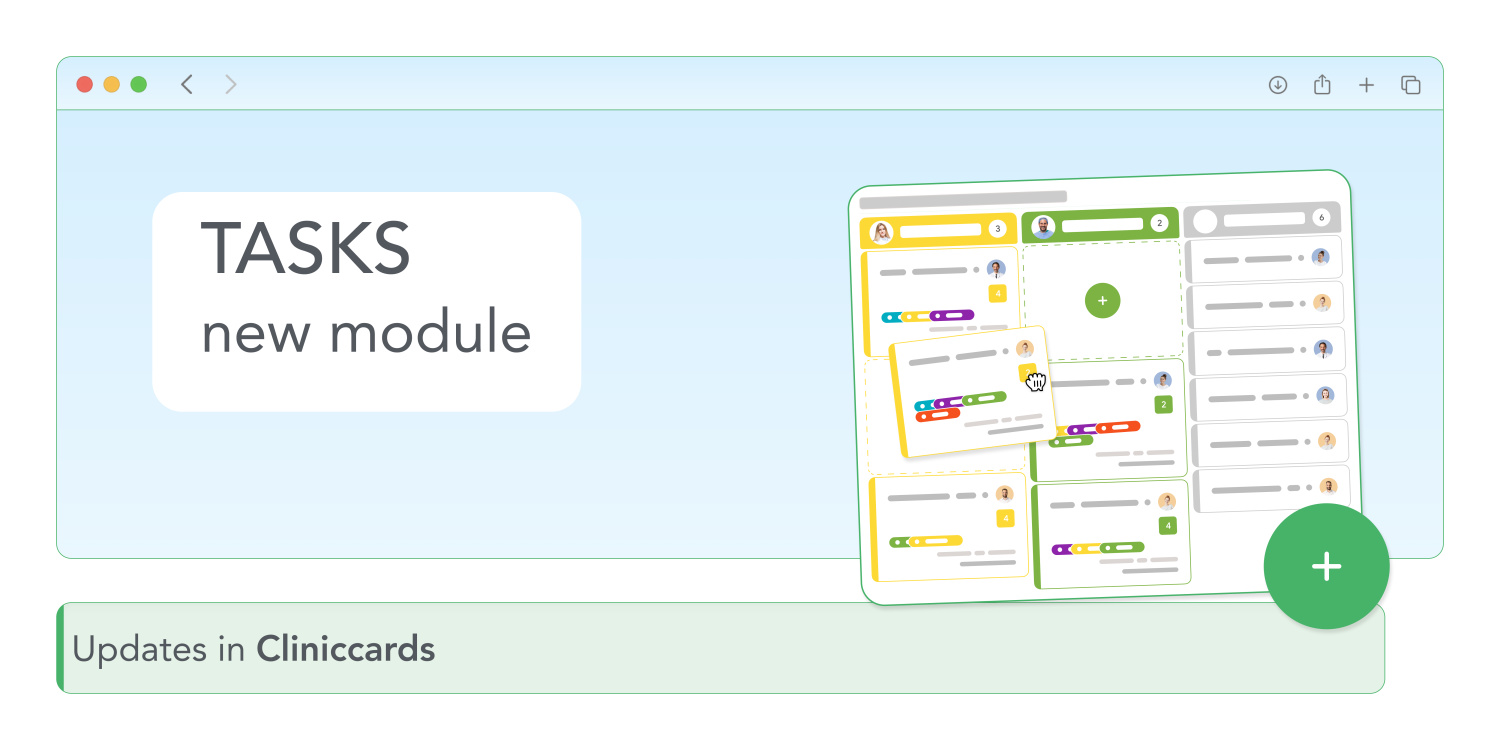
Every day, clinics and laboratories deal with hundreds of tasks, ranging from managerial and financial to administrative and operational. Some of them are recorded in someone's notebook, others in Excel, and still others “verbally” – which leads to chaos.
To avoid this, Cliniccards has introduced a new Tasks module to control and organize all processes.
How it works
To access the new feature, go to Settings → Other → Clinic settings and enable the Enable Tasks option (only the owner or super administrator can do this).
Now you can start working with tasks:
What does this give you?
The task manager turns the chaos of daily tasks into a clear plan. You always know who is doing what and when. As a result, the clinic runs smoothly, without disruptions or unnecessary stress.
The new module is now available in Cliniccards – try it out!