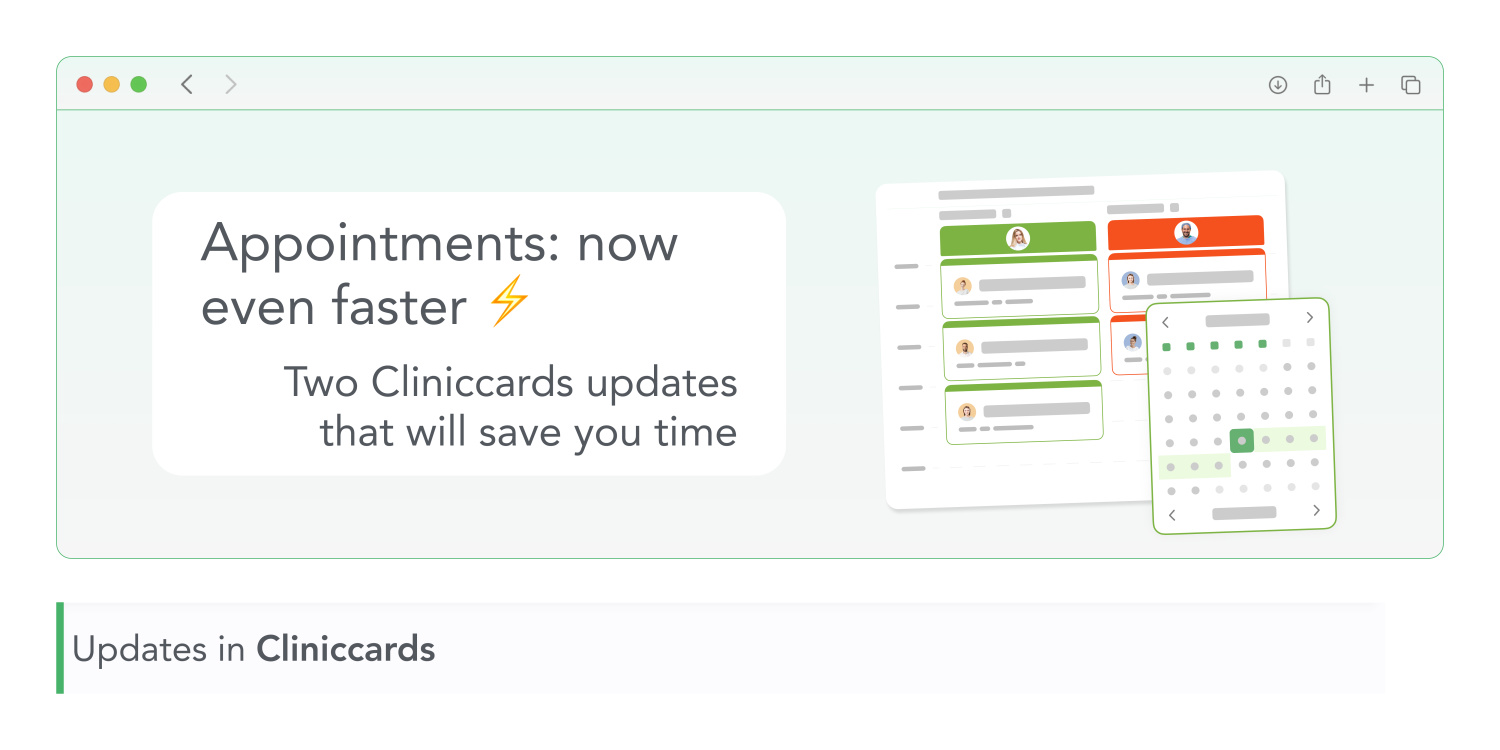
We continue to make Cliniccards more intuitive and faster to use. Today, we are sharing two updates that will significantly simplify the daily work of administrators and doctors.
Mini-calendar with customizable Appointments settings
Clicking on the calendar icon at the bottom left of the Appointments will open a compact calendar. There, you can instantly switch to any year, month, or day. No more flipping through the schedule and wasting time.
We have added a button for customizing the Appointments display to this mini-calendar. Now you can customize it to suit your workflow: choose which rooms to display, the scale of the rooms, and the number of days available for viewing.
For more information about all the options for customizing the Appointments display, see our Manual section.
Clinic tags are now in Finance and Visits
If your clinic has several departments, it will now be even easier for you to navigate the patient card.
Clinic tag labels have appeared in the following sections:
No need to go to the visit card or search for details — all the information is right in front of you.